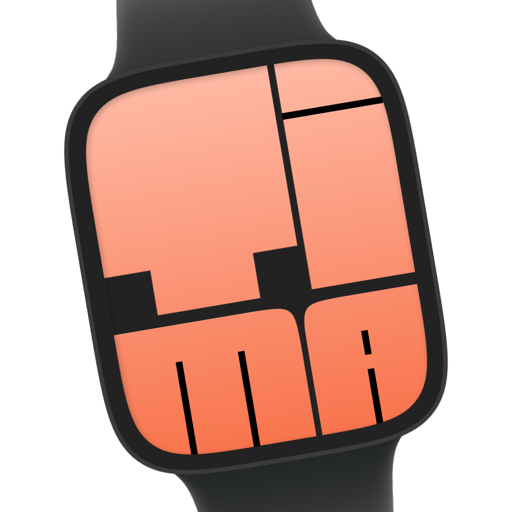

Yellow Panel PRO
Apple Watch Face · With widgets
FitnessYellow Panel is an Apple Watch face from the Fitness collection with complications. It keeps steps, activity rings, calendar, heart rate and battery on your wrist, updating on its own, so the time is never the only thing you can read at a glance.
- Collection
- Fitness
- Installs
- 217
- Access
- Tima Plus
- Works on
- All models
Shows on this face
On iPhone with Tima installed this opens the face in the app. Installing this face needs Tima Plus.
On a computer? Scan to open on your iPhonePoint your iPhone camera at the code. It opens this face in the Tima app, or the App Store if you don't have it yet.
- Open the link on your iPhone with Tima installed.
- Tap Install on the face.
- Open the Watch app on your iPhone and add the face to your watch.


