
Script Stripes
Apple Watch Face · With widgets
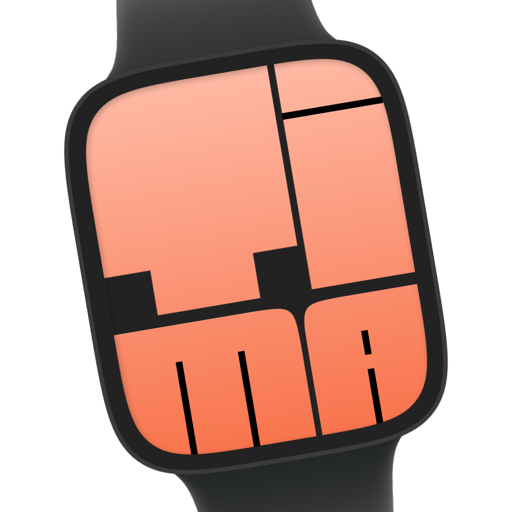
Pride MonthScript Stripes combines flowing handwritten lettering with Pride stripes in portrait style. The time sits near the top, and a calendar complication shows the date alongside.
- Collection
- Pride Month
- Access
- Tima Plus
Shows on this face
On iPhone with Tima installed this opens the face in the app. Installing this face needs Tima Plus.
On a computer? Scan to open on your iPhonePoint your iPhone camera at the code. It opens this face in the Tima app, or the App Store if you don't have it yet.
- Open the link on your iPhone with Tima installed.
- Tap Install on the face.
- Open the Watch app on your iPhone and add the face to your watch.
About Script Stripes
Is Script Stripes free?
Script Stripes is a PRO face, so installing it needs a Tima Plus subscription. The Tima app is free to download and has many free faces too.
How do I install Script Stripes on my Apple Watch?
Open the link on an iPhone with Tima installed, tap Install on the face, then open the Watch app on your iPhone and add the face to your watch.
What does Script Stripes show?
Script Stripes shows calendar on the watch face, and the data updates on its own.


